IT Portfolio Management
Application & Technology Lifecycle Management
Identify End of Life and End Of Support risks across your IT portfolio. Understand your exposure from lifecycle risks, map technology dependencies, and maintain a governed modernization roadmap.
Lifecycle Blind Spots Cost More Than You Think
Enterprise IT portfolios carry hidden lifecycle risk. EOL applications, unsupported technologies, untrustworthy third parties and unmapped dependencies create unplanned costs, security gaps, and failed modernization programs.
Manual, time-consuming data gathering
Keeping lifecycle status up to date takes too long. Teams chase vendor roadmaps, support dates, and end‑of‑life notices across portals, websites, and emails, then reconcile updates manually. Notices get missed, and decisions are too often based on outdated lifecycle data.
.webp)
EOL Risk Discovered Too Late
End-of-life and end-of-support dates surface reactively. By the time the risk is visible, the cost of remediation and security exposure are already significant.
Modernization Without a Map
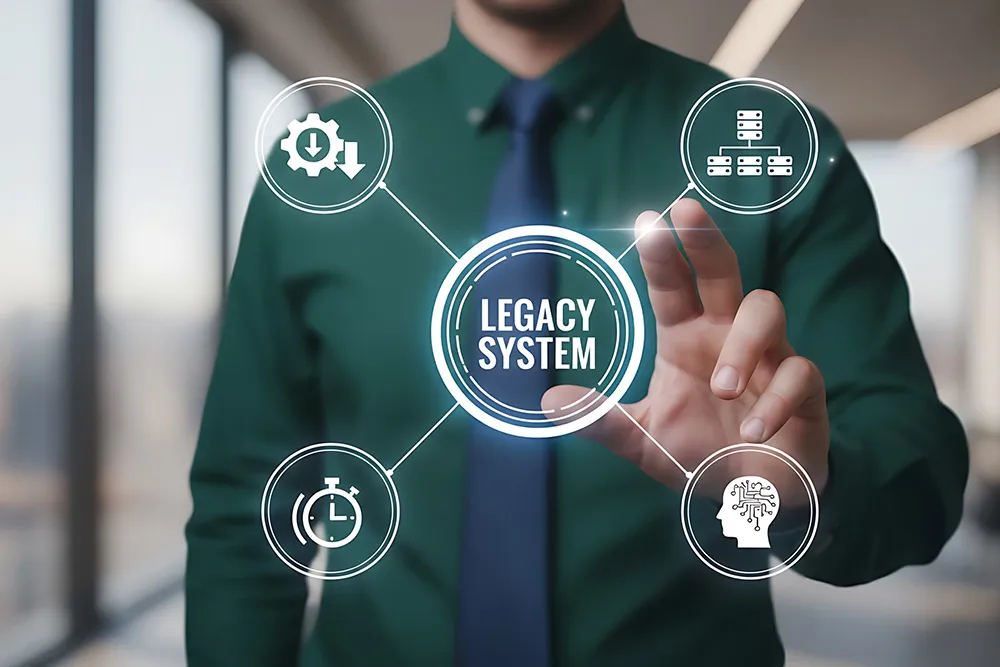
Without dependency mapping and a scored prioritization model, modernization programs stall. Teams cannot sequence investments or justify decisions to leadership.
What you can do
A Lifecycle Framework Built for Enterprise Scale
OrbusInfinity connects and visualizes application inventory, technology standards, lifecycle scoring, and modernization planning in one governed platform.
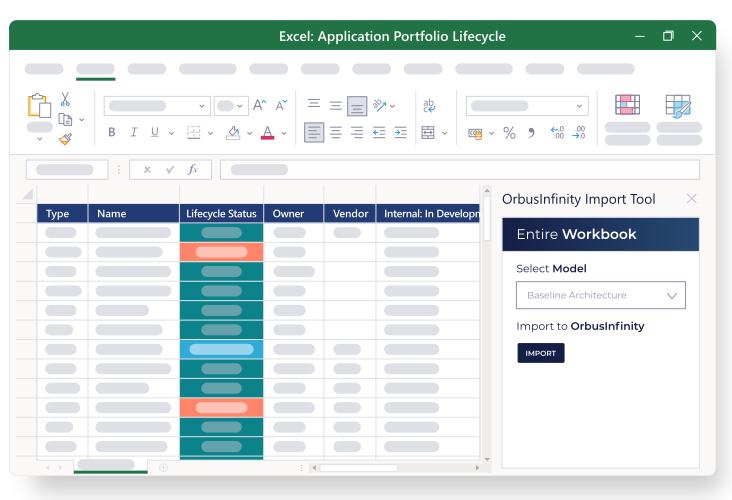
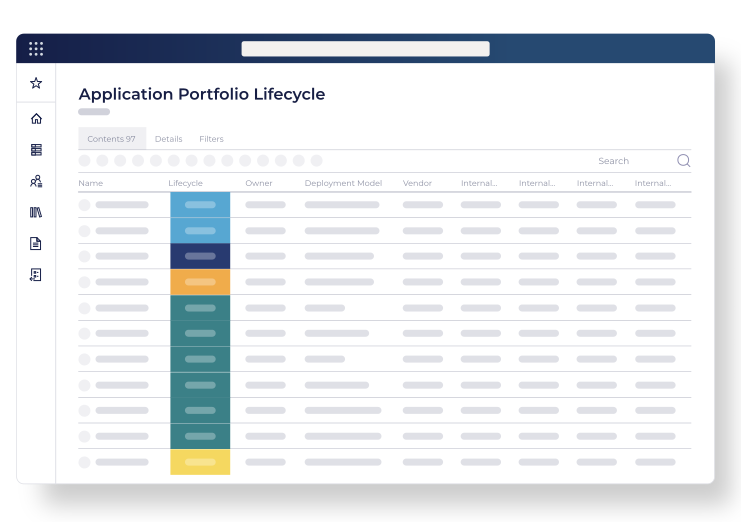
Portfolio Lifecycle Status Tracking
Maintain an up-to-date view of lifecycle status across every application and technology in your portfolio through a range of integrations with lifecycle management databases.
- Save time by eliminating manual searches and reconciliation
- Reduce risk by keeping vendor changes visible, so End-of-Life notices aren’t missed
- Align everyone on current data with a single, constantly updated lifecycle view
- Automatically refresh lifecycle status in your application inventory across business units and domains
Technology Standards Catalog
Create a single catalog of approved technologies.
- Align lifecycle stages to your governance framework
- Identify non-standard technologies requiring remediation
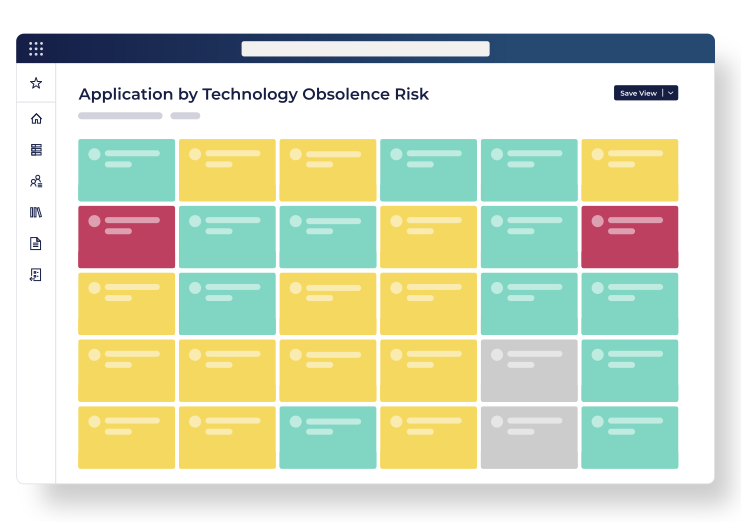
IT Obsolescence Management
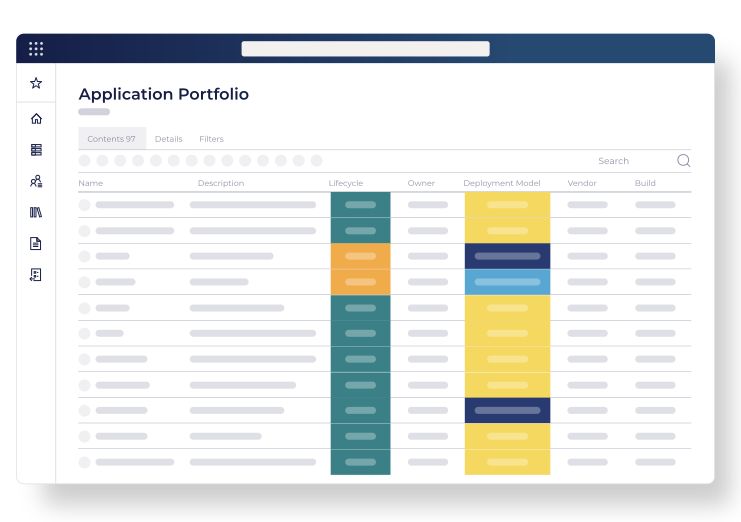
Automatically score applications and technologies by obsolescence risk using current vendor lifecycle information. Focus remediation action and investment on the assets most at risk.
- Apply configurable scoring criteria across your portfolio
- Support prioritization decisions with evidence
- Rank applications and technologies by obsolescence risk for investment planning
Application-to-Technology Dependency Mapping
Map which applications depend on which technologies. Understand the blast radius of every EOL or EOS technology before you act.
- Visualize application-to-technology relationships
- Identify high-impact dependencies before modernization
- Reduce risk of unplanned disruption during transitions
Modernization Roadmap Priorities
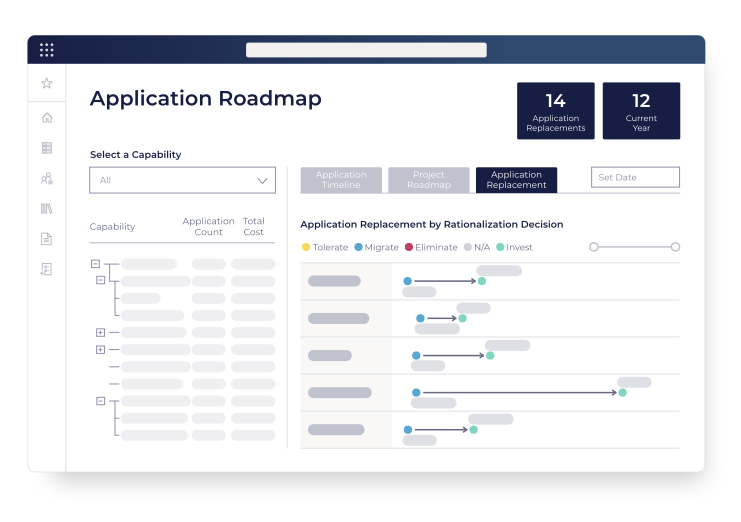
Build a governed lifecycle roadmap. Show leadership a clear, sequenced plan for retiring, replacing, or upgrading aging assets.
- Plan retire, replace, and upgrade actions on a timeline
- Align modernization sequencing to business priorities
- Maintain a roadmap leadership can see and trust
Latest Success Stories

Built For Your Role
Lifecycle Clarity for Every Accountable Leader
From portfolio risk reporting to architecture governance and modernization planning, OrbusInfinity delivers the lifecycle insights each stakeholder needs to act with confidence.

Chief Information Officer
Chief Information Officer
Lifecycle Risk at a Glance
Give your board and exec team a clear view of lifecycle risk across the IT portfolio. Move from reactive firefighting to proactive lifecycle governance.
- See EOL/EOS risk distribution across the full portfolio
- Report lifecycle health to the board with confidence
- Prioritize modernization spend based on scored risk
- Track lifecycle improvement over time

Enterprise Architect
Enterprise Architect
Lifecycle Across the Architecture
Enforce technology standards, map application dependencies, and maintain a lifecycle framework that keeps the architecture aligned to strategy.
- Apply lifecycle stages aligned to your standards catalog
- Map application-to-technology dependencies at scale
- Identify architecture risk from aging technology
- Support modernization sequencing with dependency data

IT Portfolio Manager
IT Portfolio Manager
Replace Spreadsheets with a Scored Roadmap
Manage lifecycle status, risk scores, and modernization actions in one governed platform. Stop chasing data and start driving decisions.
- Maintain lifecycle status for every portfolio asset
- Score and rank assets by lifecycle risk exposure
- Plan and track modernization actions on a roadmap
- Produce lifecycle reports without manual data pulls
See it in action
Gain Control of Your Lifecycle Risk
Book a demo to see how OrbusInfinity surfaces EOL/EOS risk, scores your portfolio, and gives you a modernization roadmap leadership can act on.