
Design Clarity
Enterprise Architecture Diagramming, Done Right
Model faster with OrbusInfinity Draw and Visio. Reuse objects, standardize notation, and publish views you can trust.
What Holds You Back
Challenge: Diagram Sprawl Slows Decisions
Teams juggle tools, duplicate objects, and use mixed notations. Updates lag and reviews stall across stakeholders.
Inconsistent Notation and Standards
Different notations across teams cause confusion and rework. Architects fix shapes instead of advancing designs.

Static Diagrams with No Source of Truth
Diagrams drift from reality and control. Without a central repository, versions fork and dependencies are missed. Impact suffers.
No Shared Vision
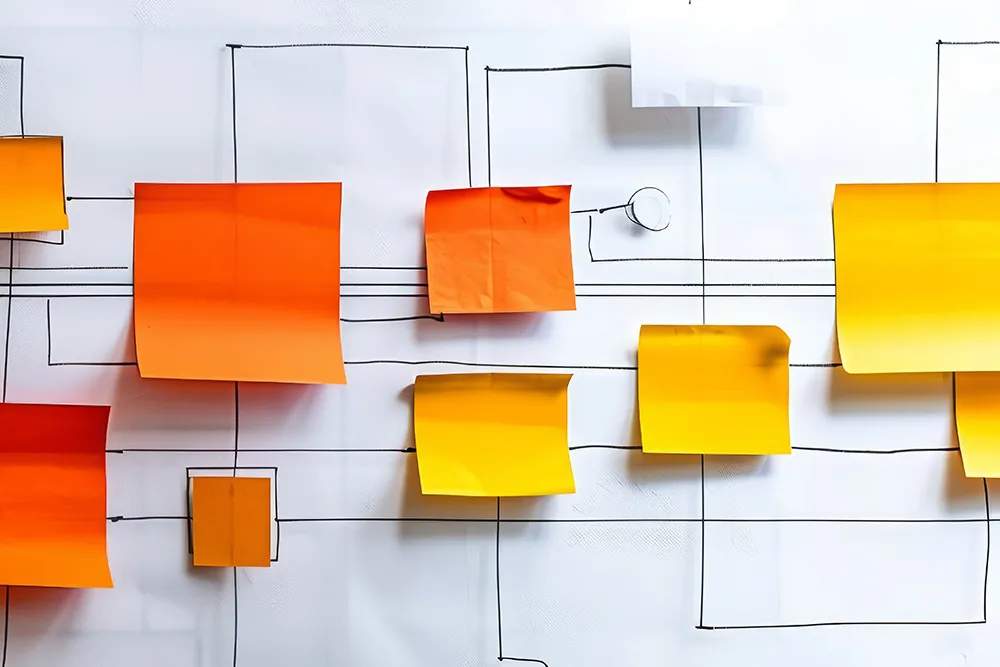
Creating a shared vision is difficult. Stakeholders lack access to view or comment. Feedback lives in emails, delaying approvals and hiding rationale.

How Orbus Helps
Model Once. Reuse Everywhere.
Create standards-based diagrams in OrbusInfinity Draw or Visio with a central repository. Reuse objects, enforce quality, and publish.
Native Diagramming with OrbusInfinity Draw
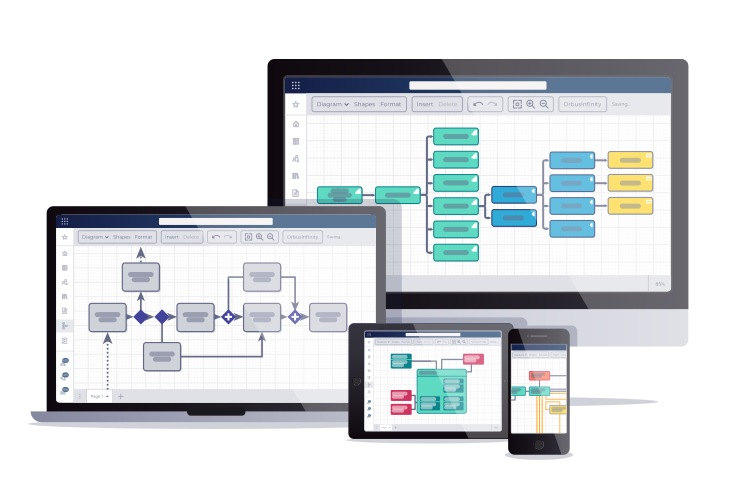
Design directly in the browser with a fast drag-and-drop editor, version control, and read-only sharing for non-editors.
- Create and edit diagrams without needing other tools
- Share read-only views across the business
- Control edit rights with feature permissions
Microsoft Visio Integration that Stays in Sync
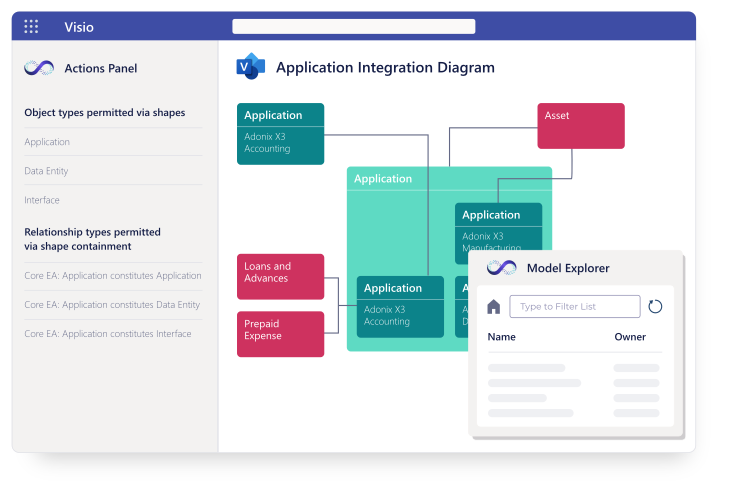
Use the Visio add-in to model against the repository. Drag objects into diagrams and sync changes back to stay aligned.
- Work in Visio while connected to the repository
- Drag-and-drop repository objects into diagrams
- Push updates from Visio to keep a single truth
Standards-based, Enterprise Notations
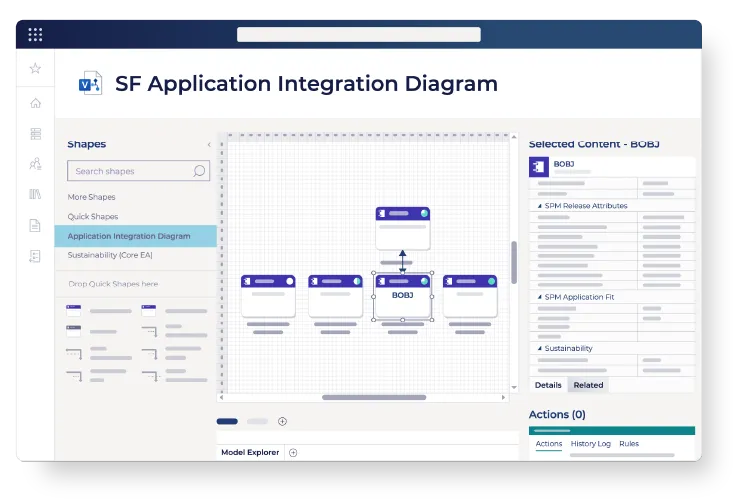
Model with ArchiMate, BPMN, UML, and TOGAF-aligned metamodels so diagrams stay consistent and compliant.
- Native ArchiMate 3.2 and TOGAF 10 support
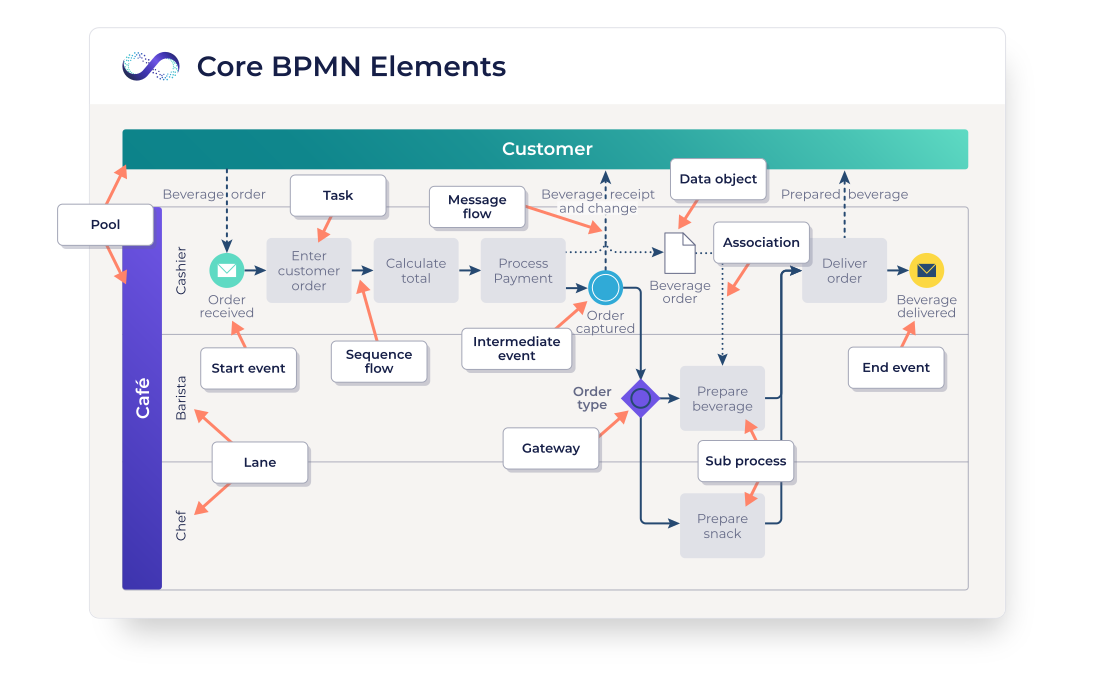
- BPMN and UML in OrbusInfinity Draw
- Extend the metamodel with custom types
Reuse, Import, and Accelerate
Reference single objects across diagrams, import Visio content, and start fast with templates and stencils.
- Reuse repository objects across all tools
- Import Visio and auto-extract objects
- Out-of-the-box templates for ArchiMate, TOGAF, BPMN
Improved Modeling
Outcomes for Architects
Clear, current diagrams connected to live data. Faster reviews, fewer errors, and decisions made with confidence.

Enterprise Architect
Enterprise Architect
Establish an EA language and governance model. Deliver trusted roadmaps faster with audit-ready traceability.

Solutions Architect
Solution Architect
Design Faster with Governed Blueprint
Prepare high level and low level designs faster in Draw or Visio, reuse patterns, and validate dependencies with impact exploration before you commit to change.

Security Architect
Security Architect
Model data flows and trust zones with consistent stencils. Keep diagrams linked to assets and technologies so risks and controls stay visible in reviews.
A Complete Platform
Additional OrbusInfinity Capabilities

Central Repository
One governed place for business, application, technology, and risk data feeds your reports.

Integrations
Connect to Visio, Lucidchart, Power BI, and ServiceNow via REST API, OrbusInfinity Flow, and pre-built integrations.

Collaboration
Bring stakeholders into the architecture process. Gather structured input, share governed views, and align teams across the enterprise.
Customer Success Stories
Get Started
Enterprise Architecture Diagramming in Action
Discover OrbusInfinity Draw, our Visio integration, and more.

High-impact Use Cases
Start with the scenarios that cut waste and improve clarity. Each use case connects diagrams to live repository data so decisions stick.
Introducing
High-level Architecture Diagram (HLD)
Create HLDs with ArchiMate or UML, auto-linking apps, capabilities, and technologies from the repository. Share for review on SharePoint.
Introducing
IT Architecture Diagrams for Portfolios
Standardize application, integration, and technology views. Reuse objects, apply heatmaps, and publish Power BI dashboards for stakeholders.
Introducing
Impact Analysis and Change Planning
Trace dependencies across the business and IT, explore the blast radius, and generate roadmaps to align initiatives before committing.
Introducing
Process Mapping and Optimization
Map business processes with BPMN, link them to capabilities and applications, and identify redundancies or gaps. Publish interactive views so teams can align on how work actually gets done.